Hermes Pi
[One or two sentences: what Hermes is, and the rule the whole thing is built around.]
- Year
- 2026 – present
- Status
- Working, and in daily use
- Context
- Personal project
- Role
- Enclosure design, display renderer, camera and voice services, integration
- Stack
- Python 3 · Raspberry Pi 5 · picamera2 · systemd · SolidWorks
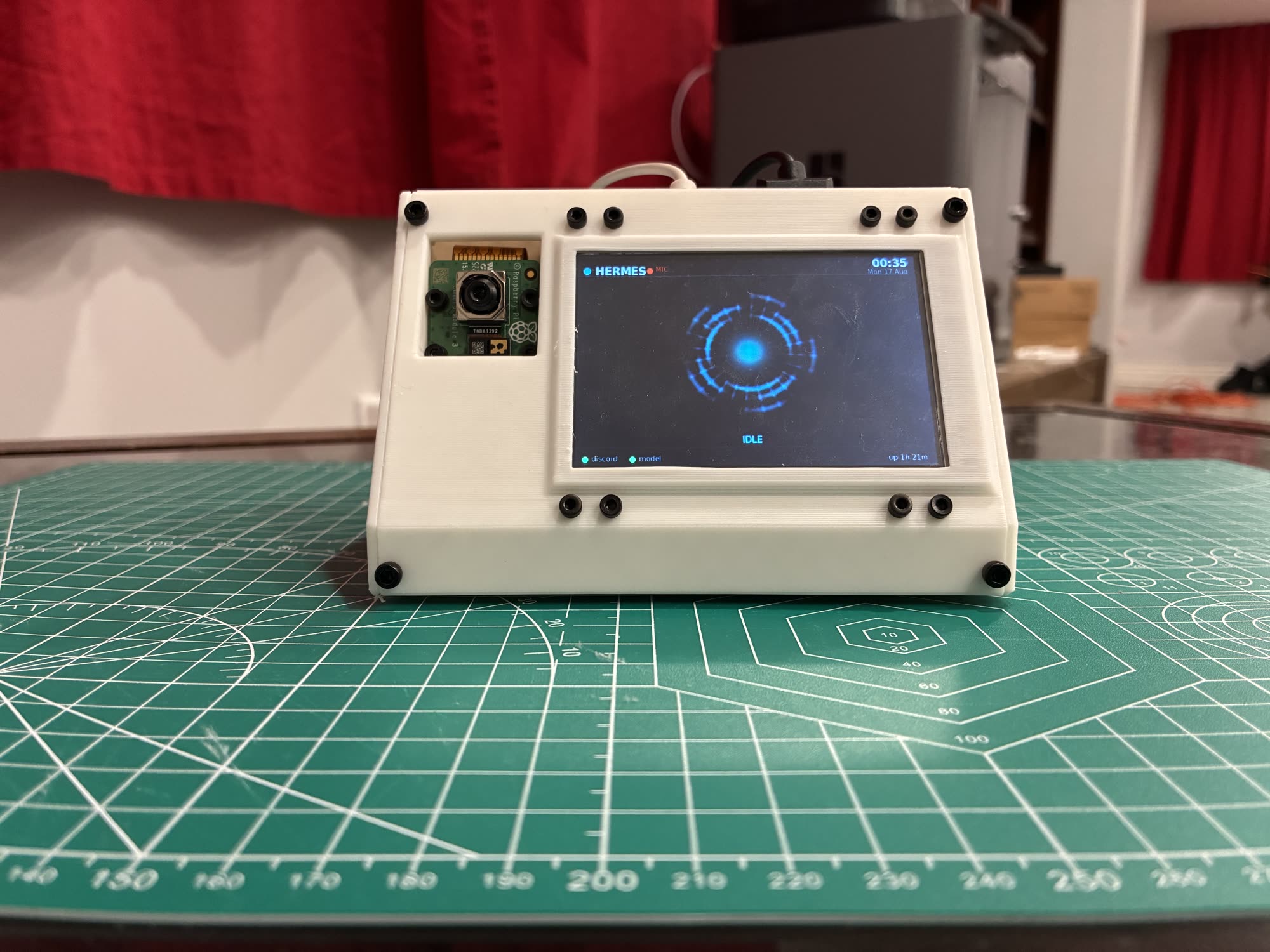
What it does
[What it does, and where the runtime ends and your work begins.]
- [How you reach it.]
- [Speaking and listening, and where that computation happens.]
- [Seeing.]
- [What it can read, and the limits on that.]
- [Gestures.]
- [The panel.]
The one rule
[The rule the panel is built on, and why you chose it.]
[The rule, in one line.]
[Where the rule earned its keep.]
The enclosure
[How the enclosure was driven by the components inside it.]
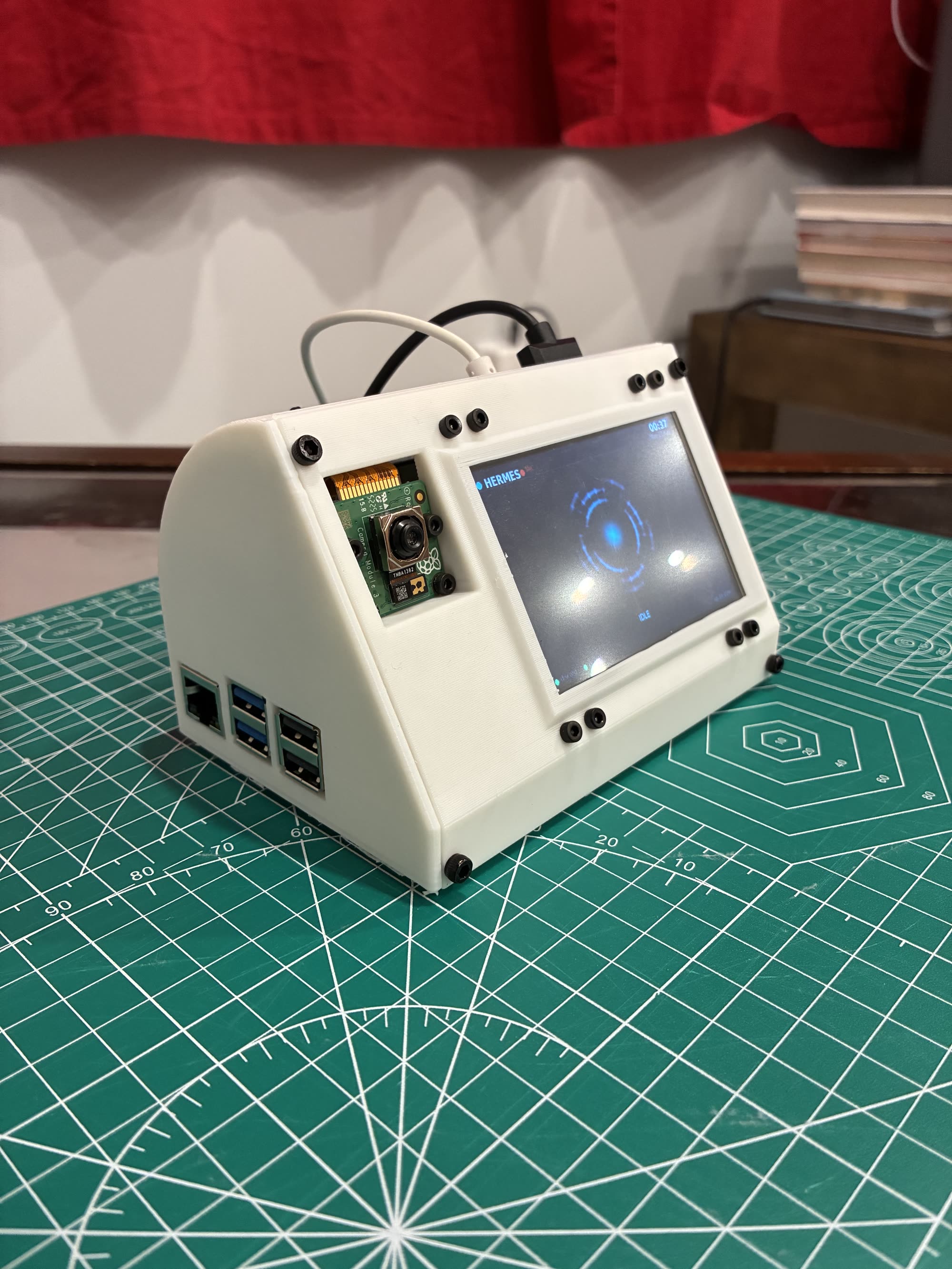
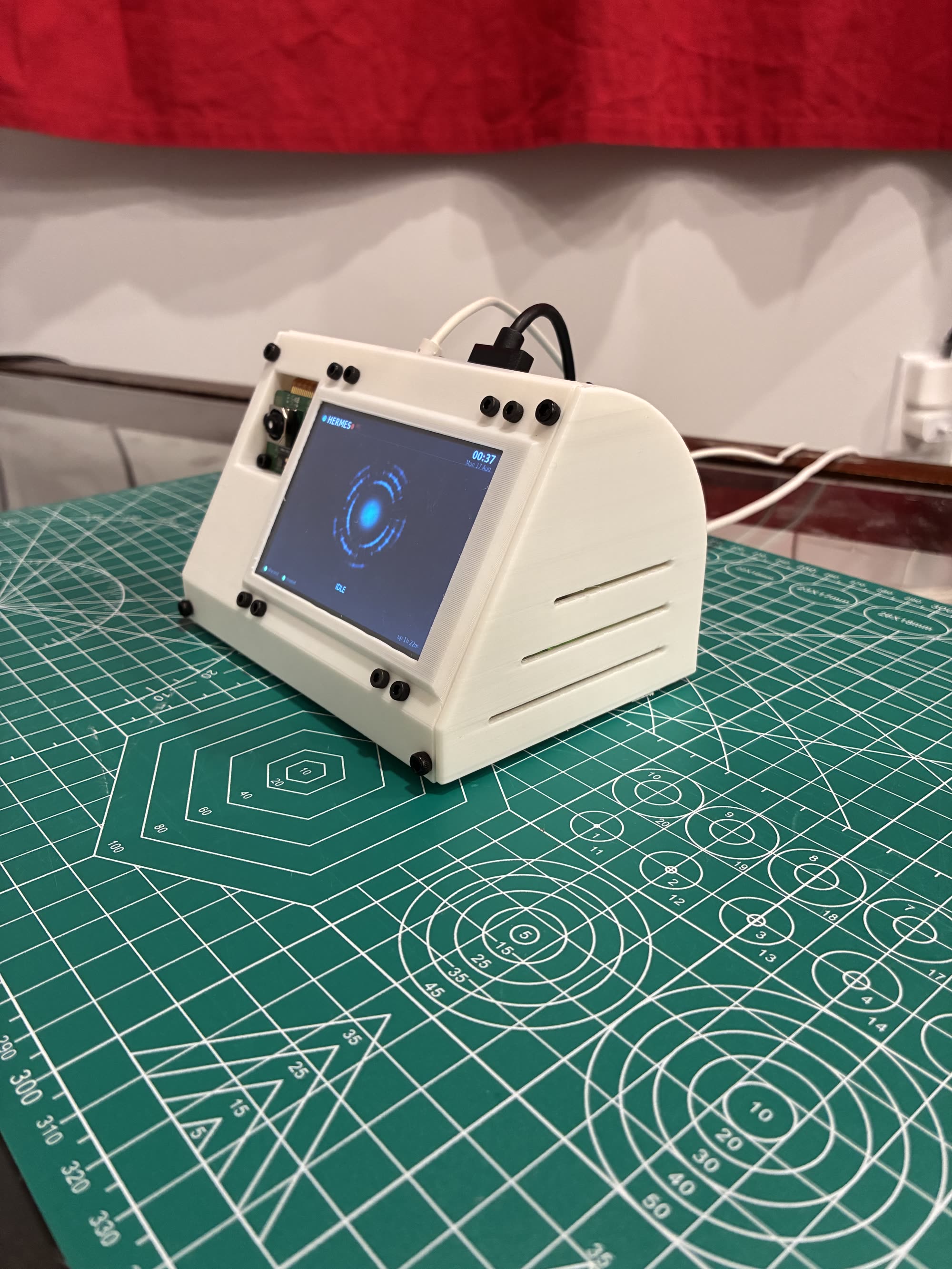
[Caption both angles — what each one shows that the front view does not.]
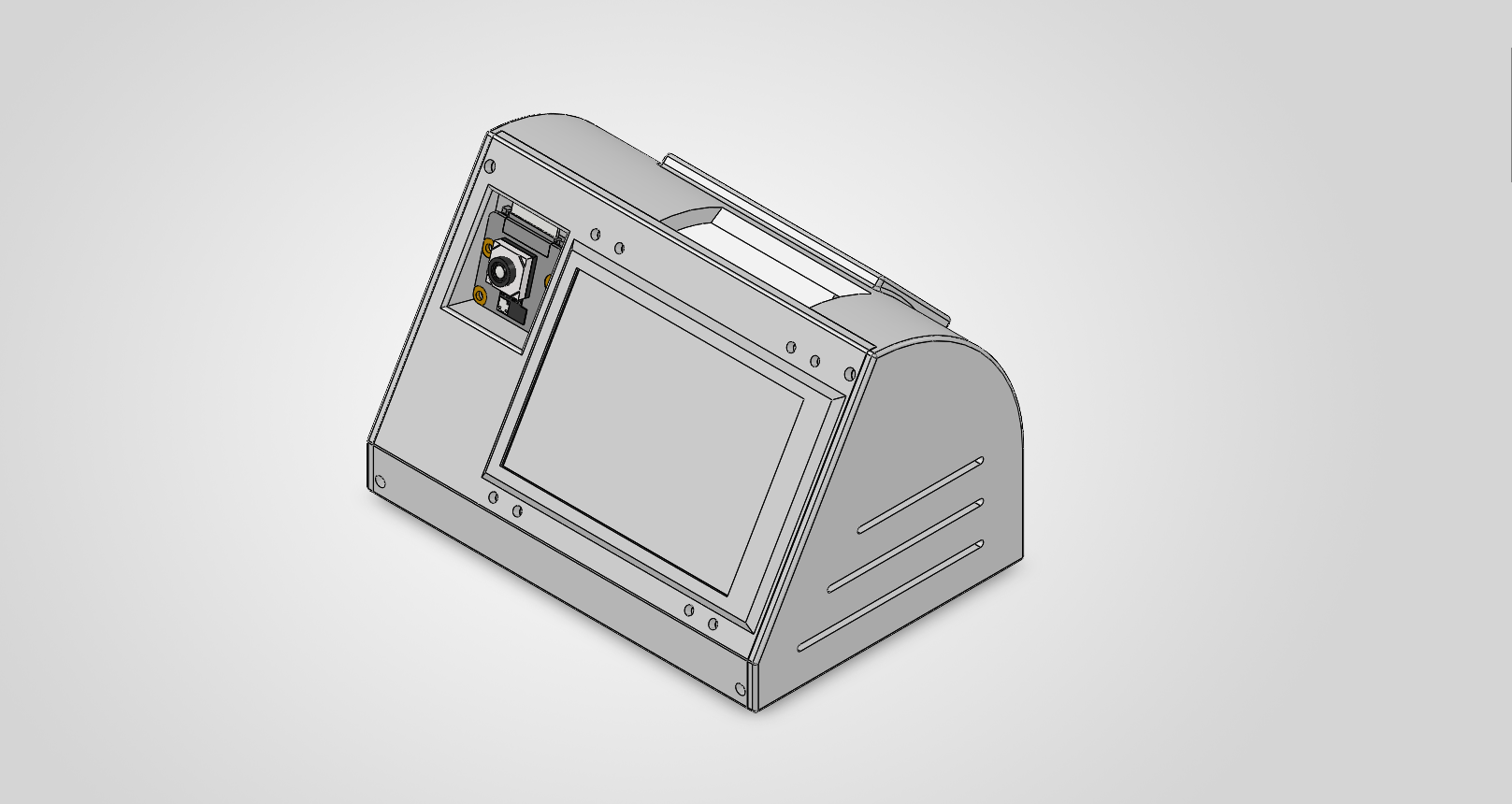
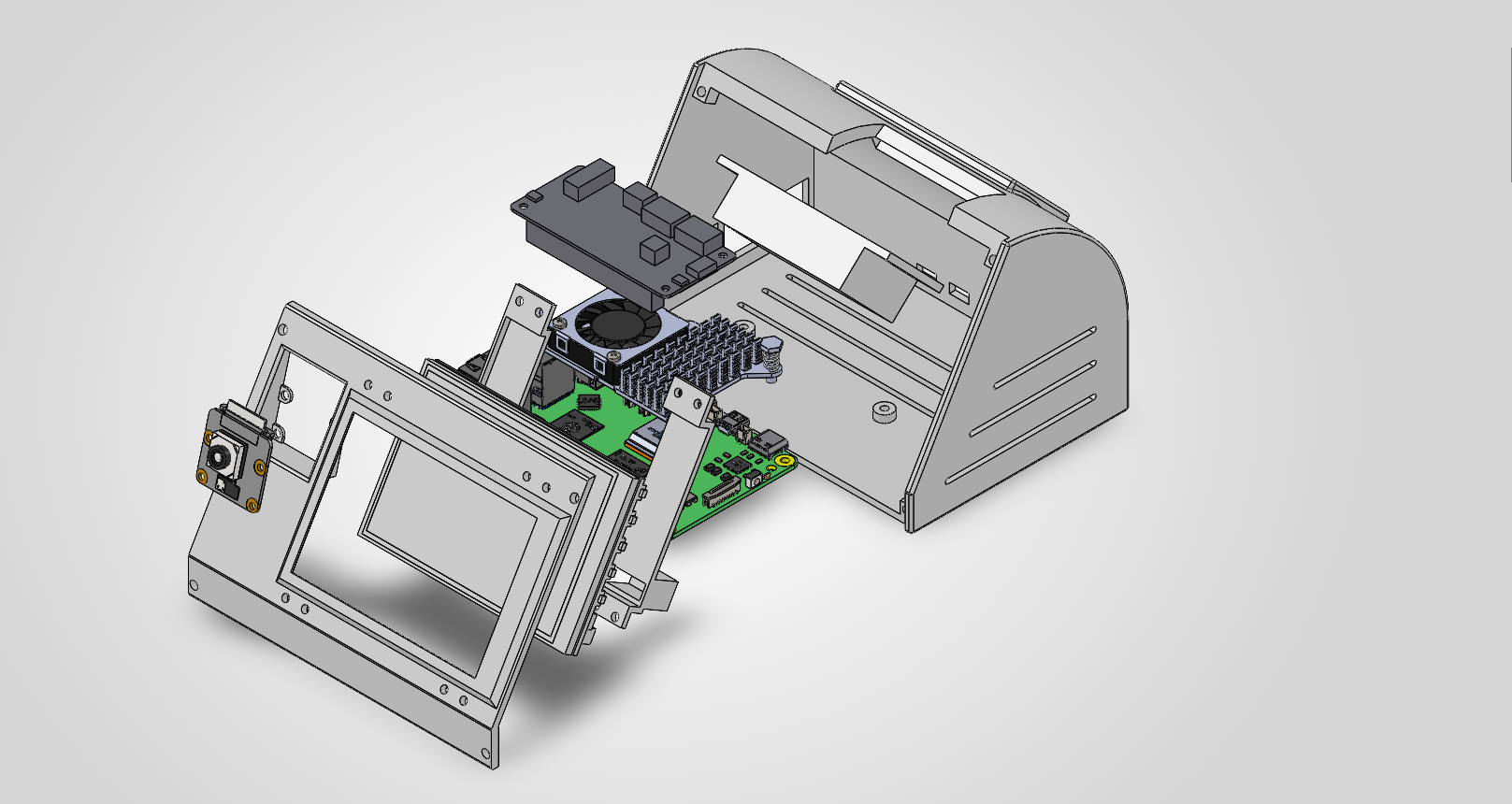
[The enclosure closed, and the stack front to back.]
[What the wedge shape buys you besides a readable viewing angle.]
Hardware
| Host | Raspberry Pi 5, Debian 13 (trixie), aarch64, 8 GB |
|---|---|
| Panel | Waveshare 3.5" HDMI LCD — physically 480×320, driven at 800×480 |
| Camera | Camera Module 3 (IMX708), via picamera2 |
| Audio | ReSpeaker 2-Mic Pi HAT (WM8960) — two microphones and a speaker |
About the resolution, because it looks contradictory and is not
[Why the panel is 480×320 but driven at 800×480.]
What I built
- [The display renderer.]
- [The camera service.]
- [The voice service.]
- [The runtime plugins.]
- [The enclosure.]
- [The operational layer — services, install, escape hatches.]
Getting out of it
[How you get a login prompt back when the network is gone, and why that matters.]
Status and what comes next
[Where it stands now, and what you would build next.]